Manage groups for multiple DeepL products
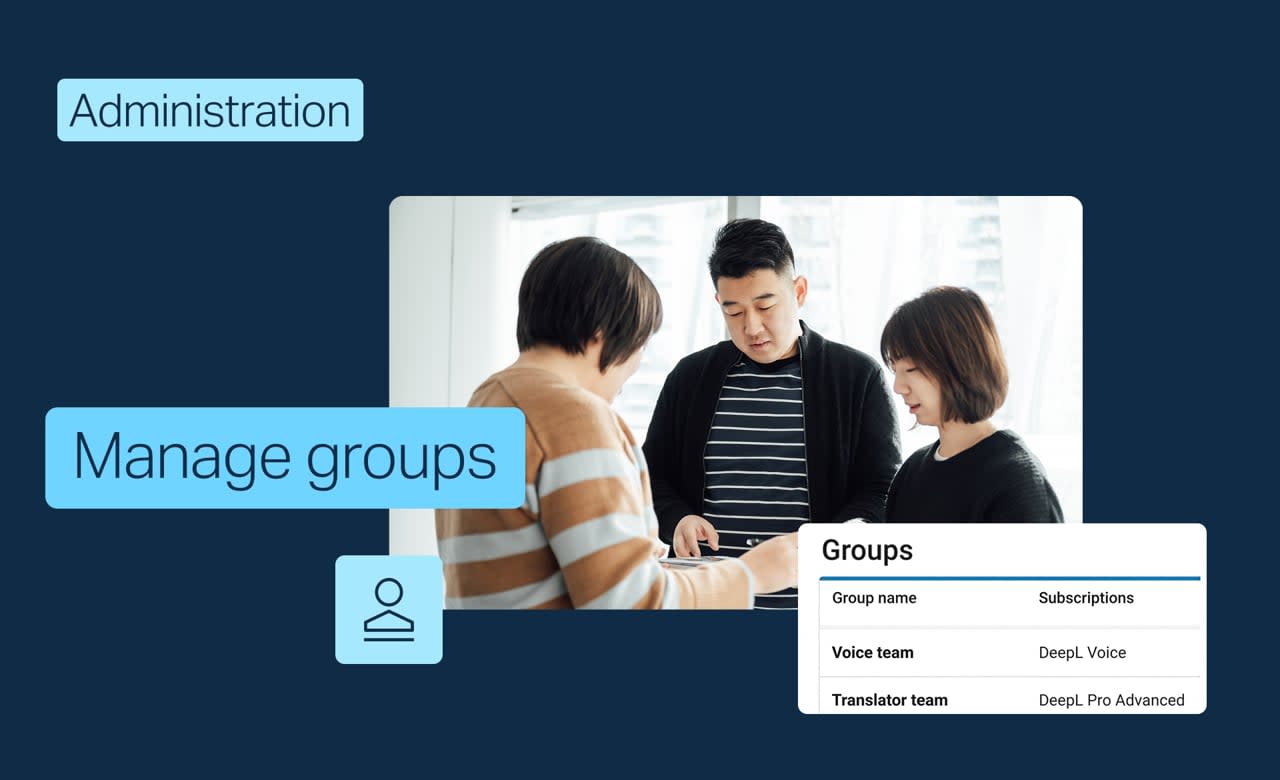
If you manage multiple DeepL subscriptions and products, you might be trying to add users straight to one of them. Access, however, runs through groups: a group links a subscription (or more) to the users who should have it. Learn how to:
- Create a group and link a subscription to it
- Edit an existing group’s subscriptions and users
- Decide whether to use one group per subscription or one shared group, depending on how your licenses are split
But wait, there's more!
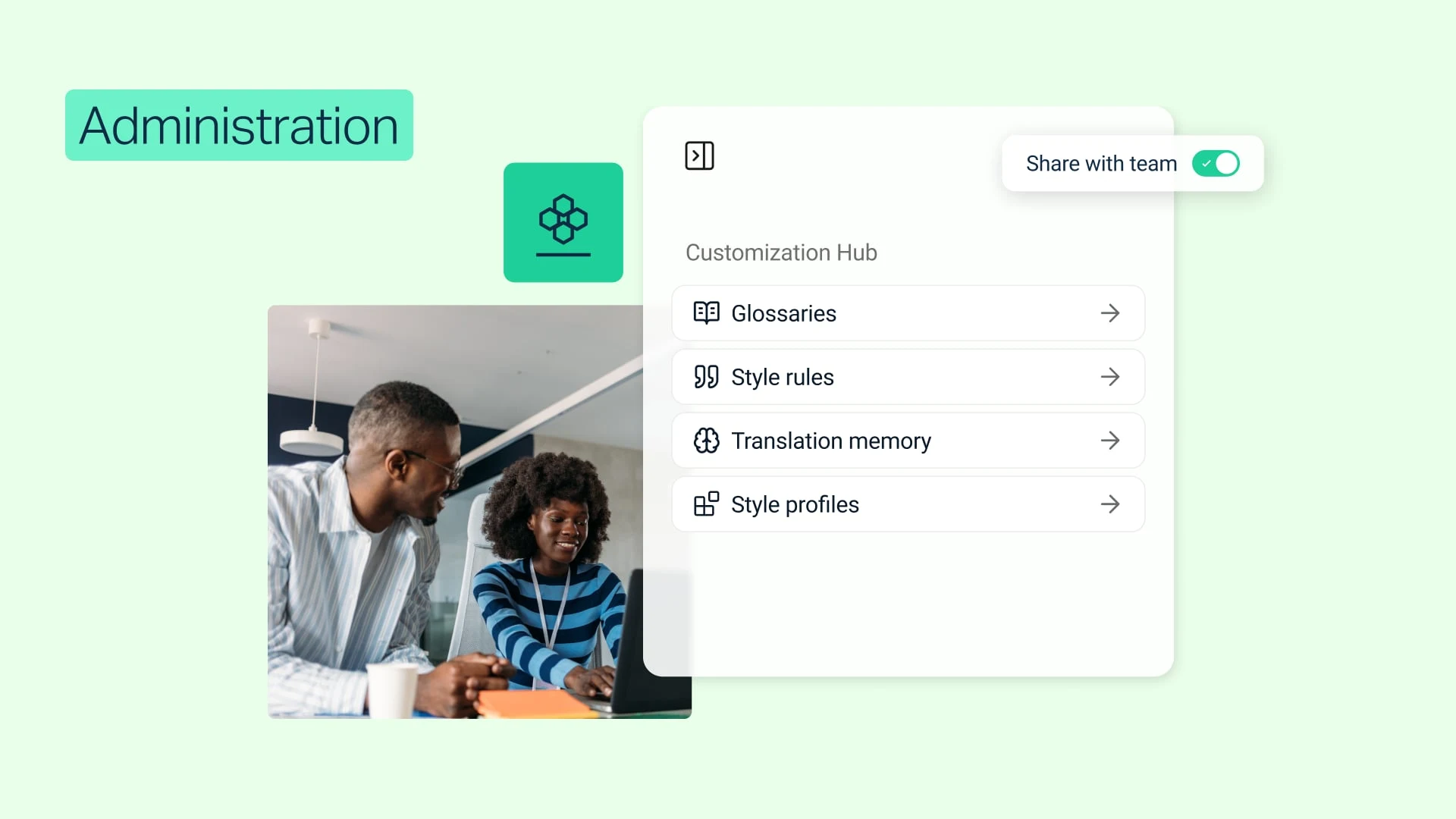
Set up customization admins
Hand Customization Hub management to the language experts on your team.
- Time: 1 minute
Watch now
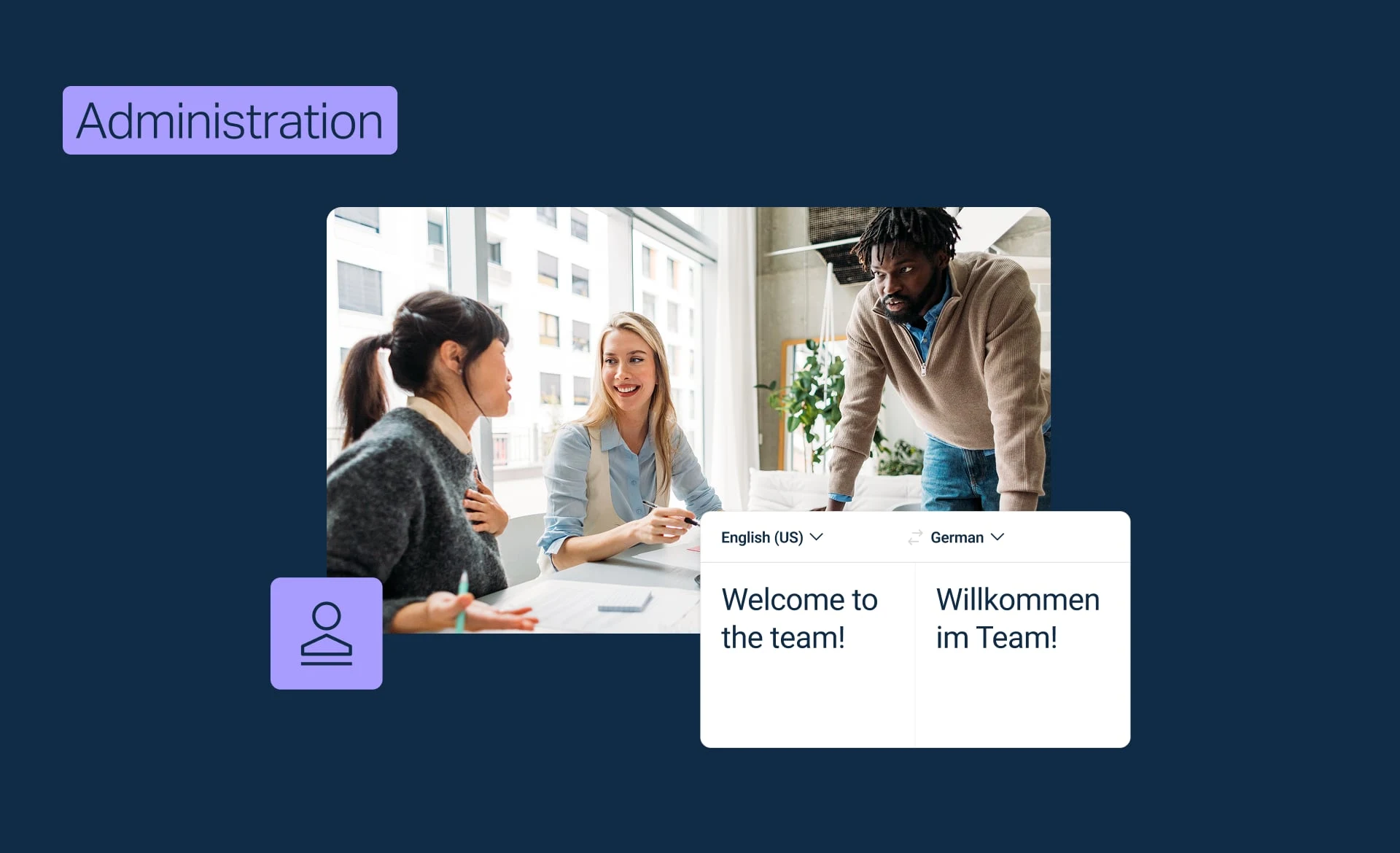
Build your DeepL team
Add team members, manage licenses, and see your whole team at a glance.
- Time: 3 minutes
Watch now

Analyze your team's DeepL usage
See licenses, translation volume, usage reports, and audit logs, all in one place.
- Time: 2 minutes
Watch now