Import a glossary from CSV
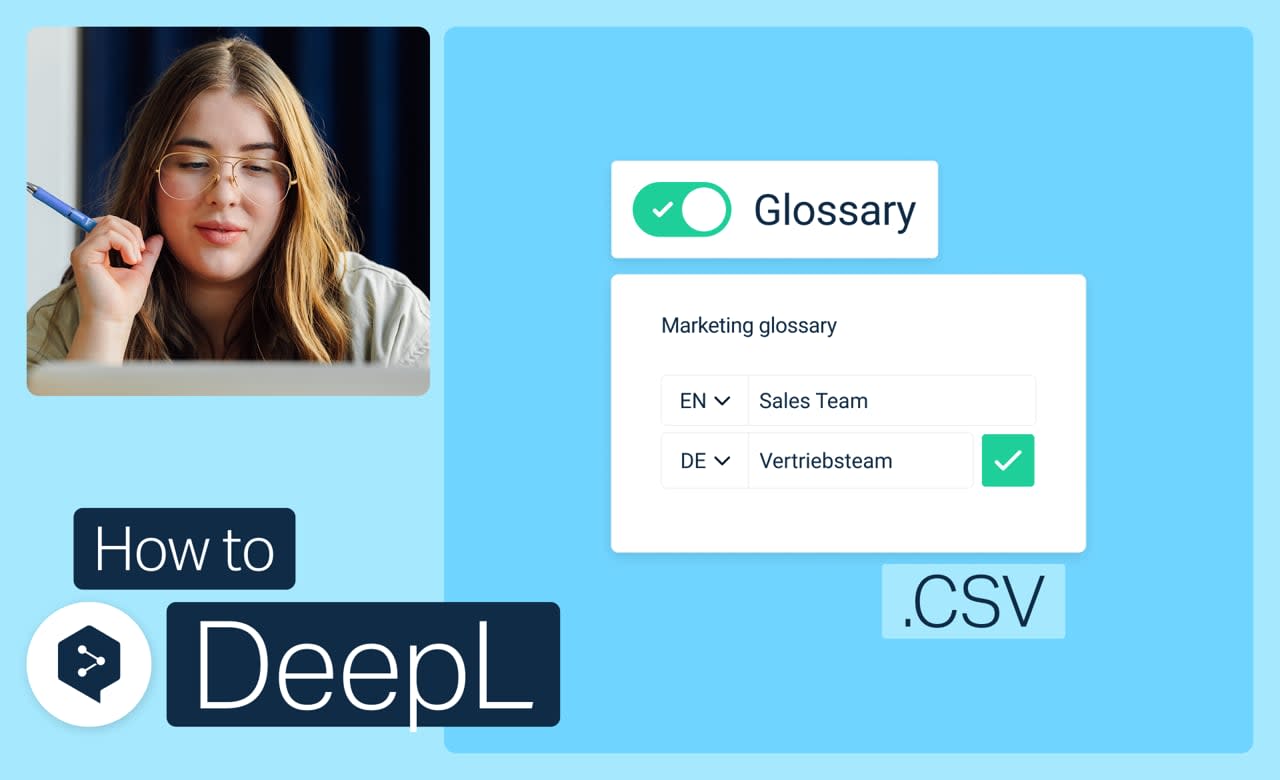
Move your glossaries between DeepL and a spreadsheet in either direction: download an existing one to edit in bulk, or build a new one as a CSV and upload it.
Learn to:
- Download your glossary as a CSV file
- Build a brand-new glossary as a CSV, then upload it
But wait, there's more!
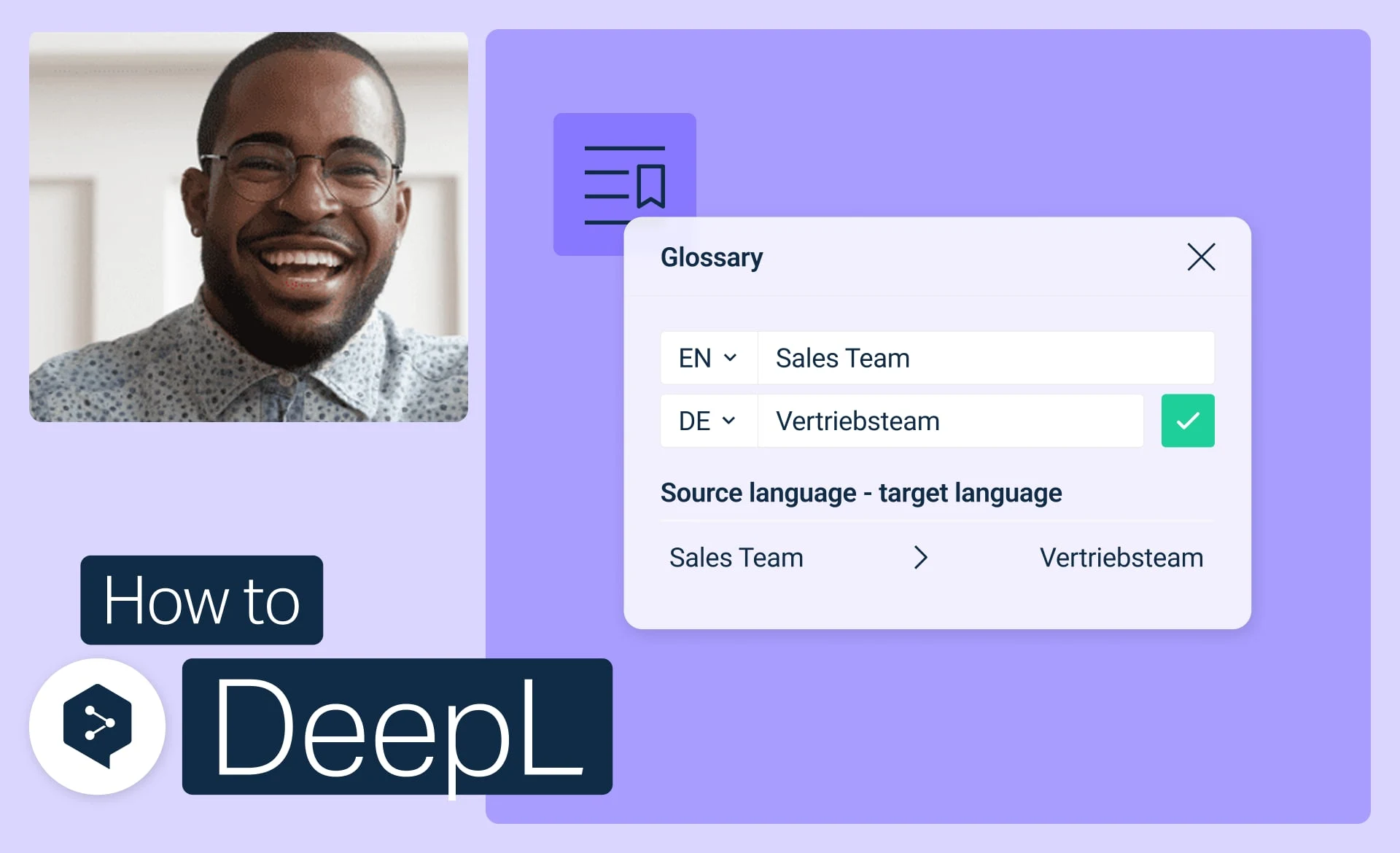
Get started with DeepL glossaries
Create, edit, activate, and manage your glossaries to keep every translation consistent.
- Time: 3 minutes
Watch now
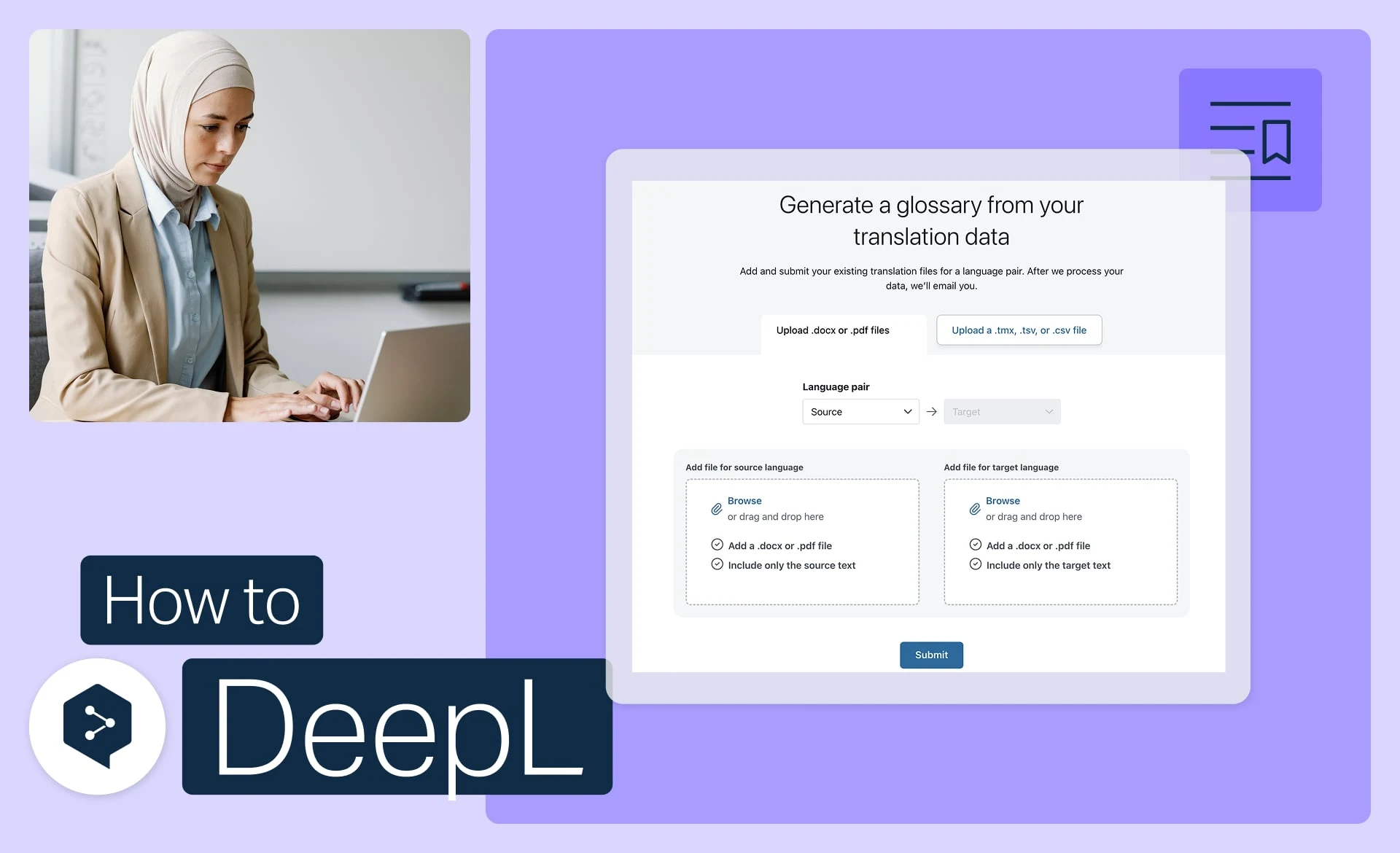
Generate a glossary from your files
Turn your existing files into ready-to-use glossary entries, automatically.
- Time: 3 minutes
Watch now

Build the perfect glossary
Get the most out of DeepL glossaries with practical tips on importing terms, handling brand names, and keeping translations consistent.
- Time: 3 minutes
Watch now