

Get started with DeepL glossaries
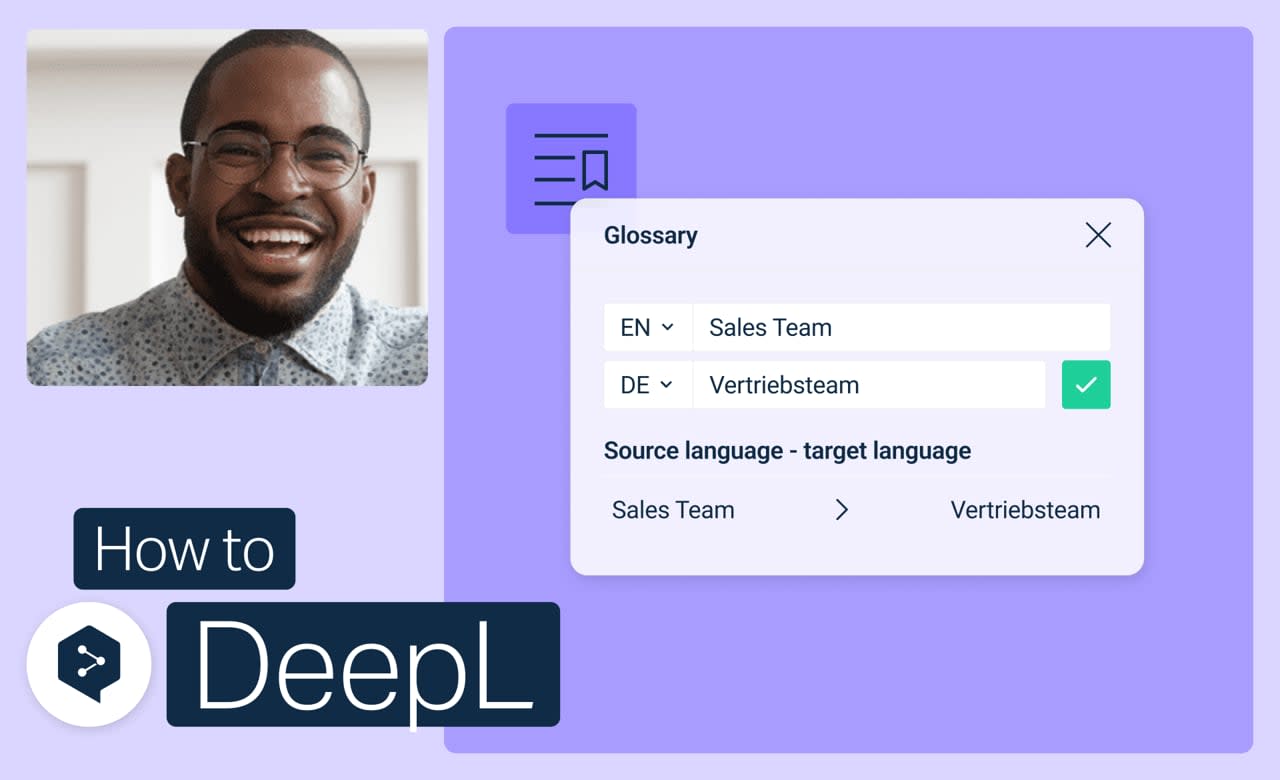
Set your key terms once, and your DeepL translations pick them up automatically from then on. No more double-checking that the right word made it through every time.
Learn to:
- Build a glossary from scratch
- Add, edit, or remove entries anytime
- Turn glossaries on or off for specific translations
- Merge or delete glossaries you no longer need
But wait, there's more!
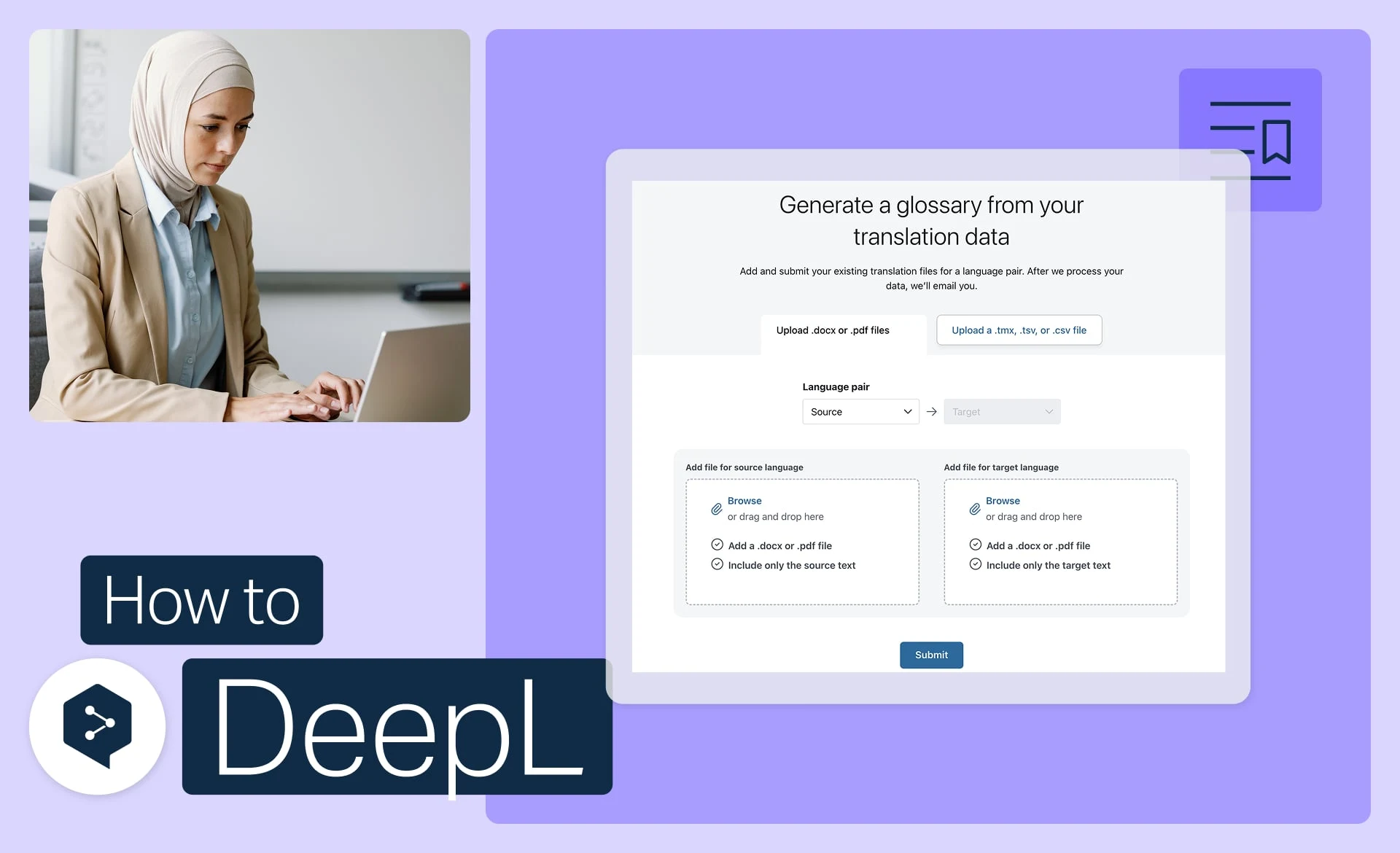
Generate a glossary from your files
Turn your existing files into ready-to-use glossary entries, automatically.
- Time: 3 minutes
Watch now
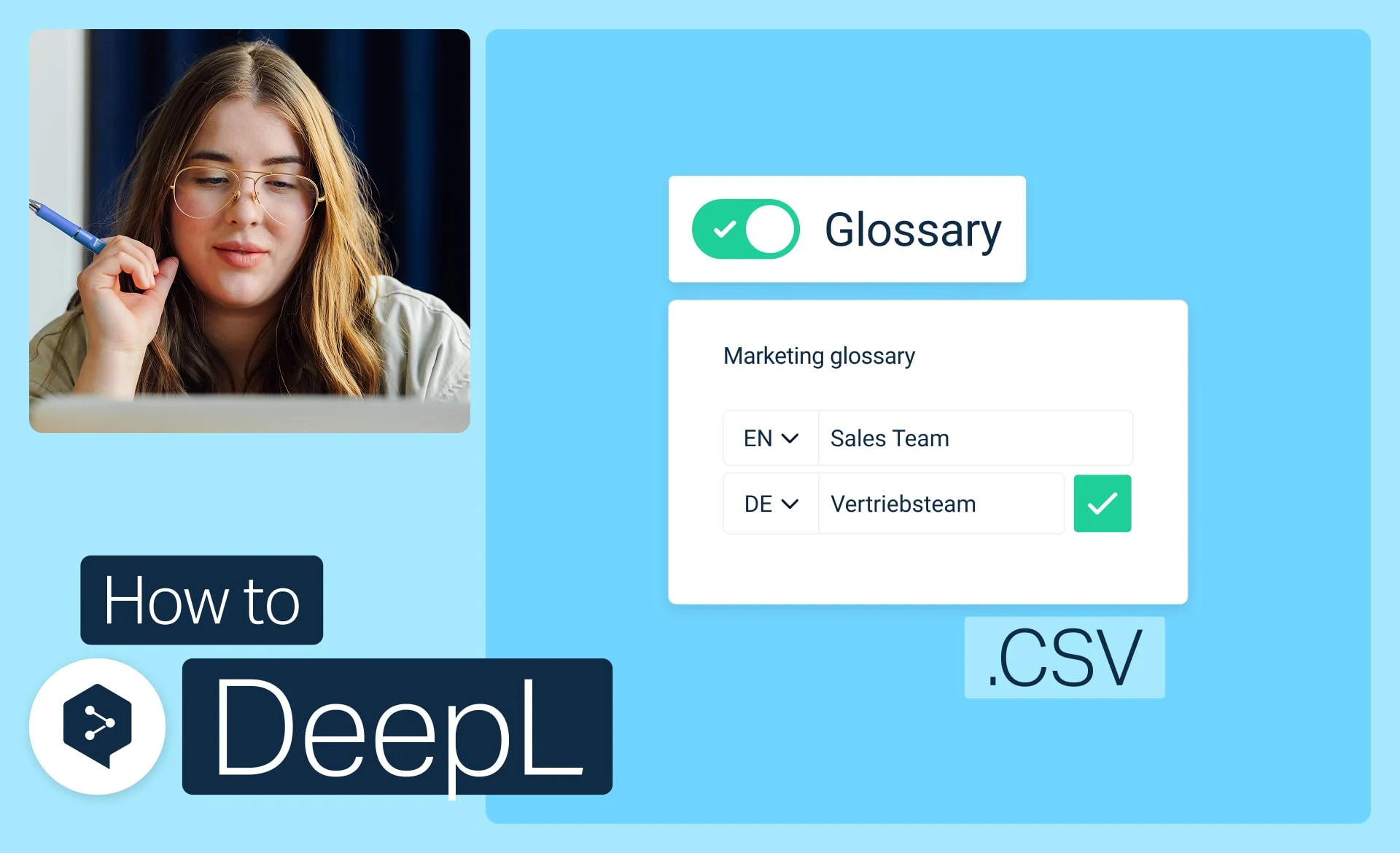
Import a glossary from CSV
Download, edit, and upload your glossary as a simple CSV file.
- Time: 3 minutes
Watch now
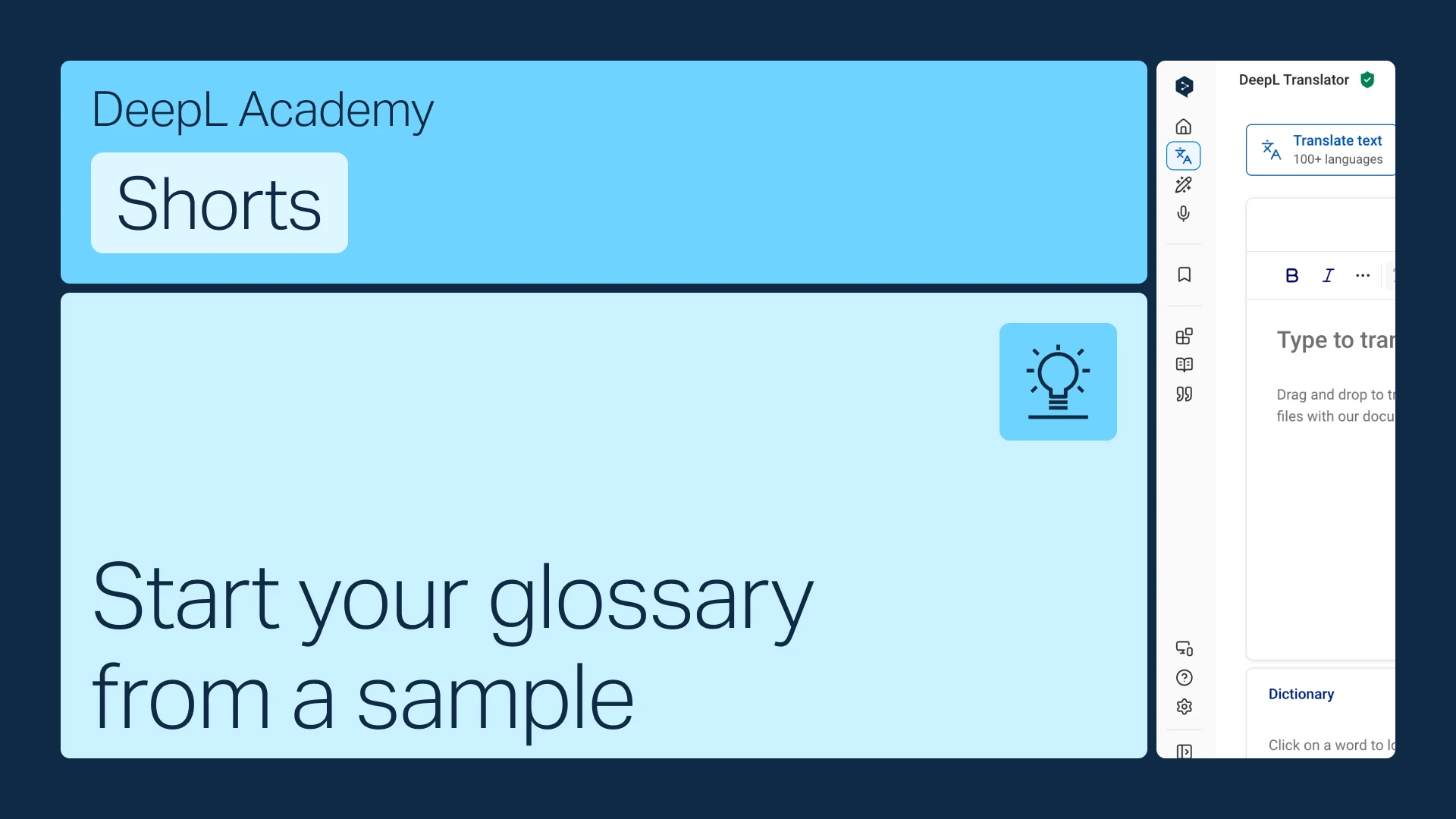
Start your glossary from a sample
No terms on hand? Start from an industry-aligned sample and customize it to fit.
- Time: 1 minute
Watch now