HTML file translation that’s production-ready
DeepL translates your HTML files while preserving tags, formatting, and metadata, with no code changes required. Upload a file, choose your target language, and download a ready-to-publish translation in minutes. Process multiple files in bulk, and translate into several languages at once.
Trusted by over 200,000 businesses globally






Why translate HTML files with DeepL?
HTML translation has to get one thing right that plain text doesn't: Your tags and structure can't break. Here's how DeepL makes sure that doesn’t happen.
Fast, reliable translation
Get accurate translations without compromising on speed. Translate entire HTML files in seconds, individually or in bulk, to multiple languages.

Preserved code integrity
Tags, formatting, and metadata remain intact after translation. Apply glossaries and tone preferences to keep translated content consistent with your brand's style.

No coding needed for translation
Upload directly from your computer, or import files from the cloud. Select your target languages and get publication-ready files, without needing a developer to oversee the translation.

Built-in enterprise-grade security
DeepL complies with GDPR, ISO 27001, SOC 2 Type II, HIPAA, and BSI C5 Type 2. Files are encrypted in transit and at rest; on paid plans, DeepL deletes files automatically after translation. Learn how DeepL protects your data.

Commitment to quality
Learn about DeepL's quality scores, including an 80–90% reduction in translation spend for organizations adopting AI-native platforms, per Nucleus Research.
How does DeepL translate HTML files?
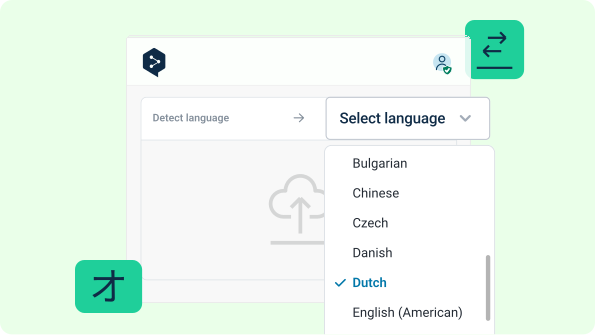
DeepL translates the whole file, tags, structure, and all, in one pass. Log in to the web translator, then follow these steps:
- Log in to your DeepL Pro or DeepL API account
- Select the "Translate files" tab
- Upload or drag-and-drop your HTML file, or select from the cloud
- Select your target language and DeepL automatically finds the source language
- Start your translation
- Download your translated file once complete
Translation for how you work with HTML
DeepL HTML file translation offers distinct advantages depending on your role:
- Web developers: Save time and maintain code integrity while reaching global audiences
- Content managers: Manage translation efficiently and ensure consistent global brand experiences
- Agencies: Increase productivity and client satisfaction while freeing up resources for other work
- Business owners: Expand your reach with minimal effort and investment
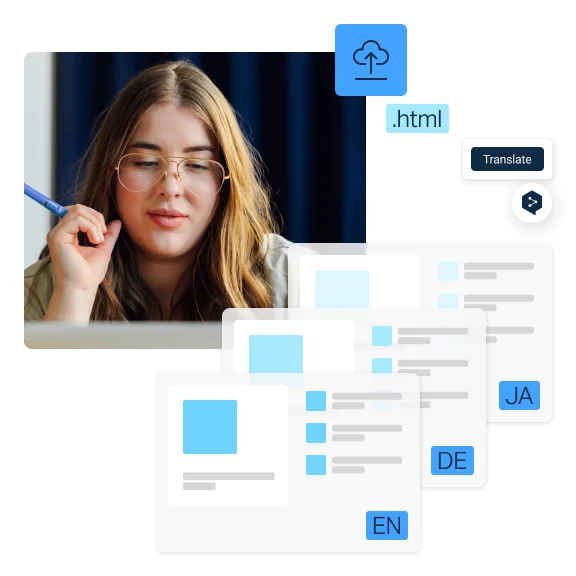
How DeepL Pro elevates HTML translations
DeepL Pro and API plans open the door to even more file translation features. Here's what's included:
- Upload files or select from the cloud
- Translate multiple files and into multiple target languages at once
- Enable formal or informal tones
- Use the Customization Hub to ensure your translations are consistent and on-brand
- Benefit from maximum data security

Translate consistently across media formats
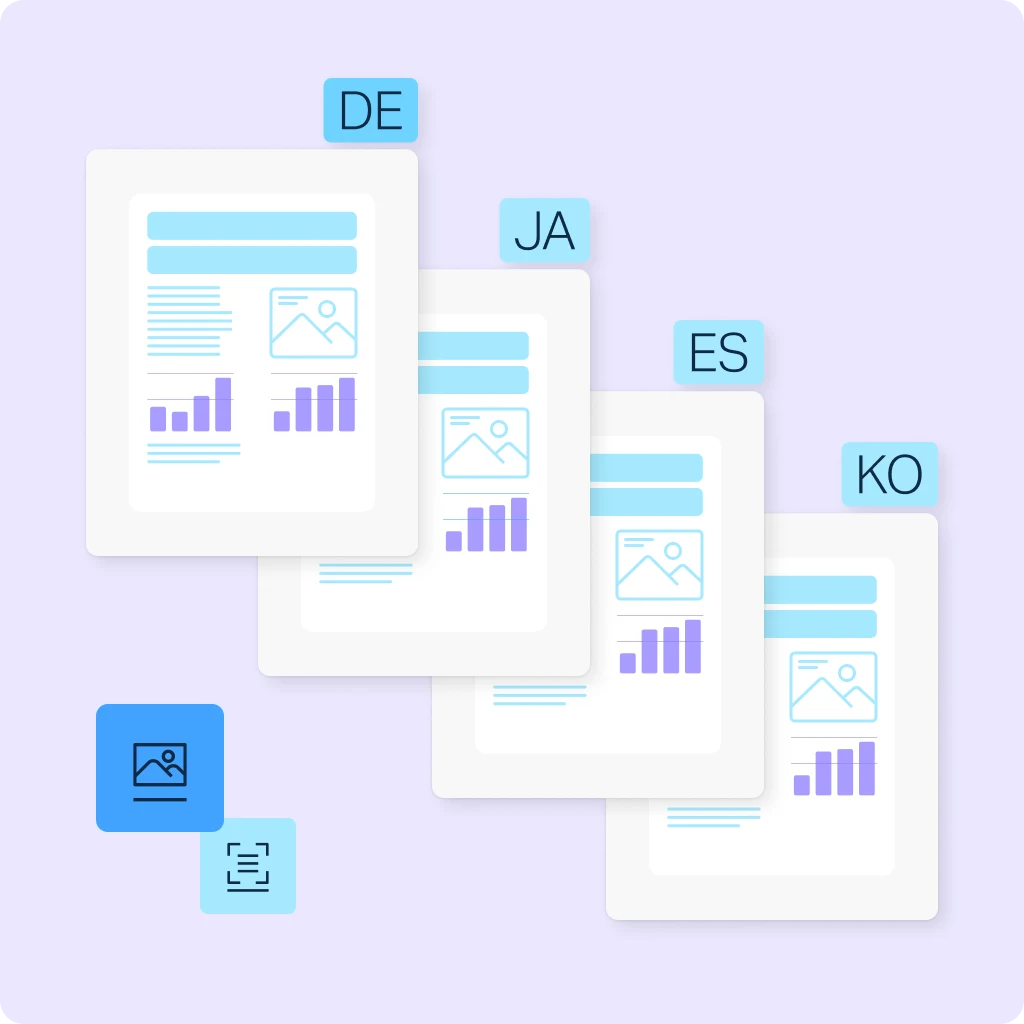
Need to translate PDFs, images, and other document types? DeepL’s Language AI adapts visual content to match, so your translations stay consistent and format-appropriate no matter which file you're working with.
Read success stories from dozens of the 200,000 companies around the world that trust DeepL for their translation demands.
Ready to translate HTML files?
Start your free 30-day DeepL Pro trial and translate HTML, plus Word, PDF, PowerPoint, and more files. Translate HTML files for free with a DeepL API account if you prefer to work through the API.
Localizing a site or web app for new markets? Talk to our Sales team about file translation tailored to your organization.

FAQs
Not on the web translator. HTML translation requires a DeepL Pro or API plan. Free HTML translation is available through the DeepL API. Learn more about translating HTML with the API.
Yes. DeepL AI translates HTML files through the same file translation endpoint as Word, PDF, PowerPoint, and Excel files. Learn about file translation with DeepL APi
HTML translation is one part of a larger toolkit built for global content teams and developers. Other valuable features include:
- Image translation: Translate text embedded in screenshots or graphics referenced in your HTML
- Glossaries: Lock in preferred terminology so web copy, product pages, and UI strings stay consistent across languages
- SSO: Single sign-on for dev teams and agencies translating content at scale
- Alternatives: Get word and phrase suggestions to fine-tune tone and style
- Paraphrasing tool: Rewrite and refine copy before you translation
HTML file size and character limits by plan
HTML translation isn't included on the free DeepL account. This table outlines the maximum file size and character count allowed per file on every paid plan.
View limits per plan for all document translation file formats
Plan | Max file size | Max characters |
DeepL Account (Free) | Not available | Not available |
DeepL Pro Starter | 5 MB | 1,000,000 |
DeepL Pro Advanced | 5 MB | 1,000,000 |
DeepL Pro Ultimate | 5 MB | 1,000,000 |
DeepL Pro Individual | 5 MB | 1,000,000 |
DeepL Pro Team | 5 MB | 1,000,000 |
DeepL Pro Business | 5 MB | 1,000,000 |
DeepL API Free | 5 MB | 500,000 |
DeepL API Pro | 5 MB | 1,000,000 |
DeepL API Developer | 5 MB | 500,000 |
DeepL API Growth | 5 MB | 1,000,000 |