Subtitle translation that syncs each line
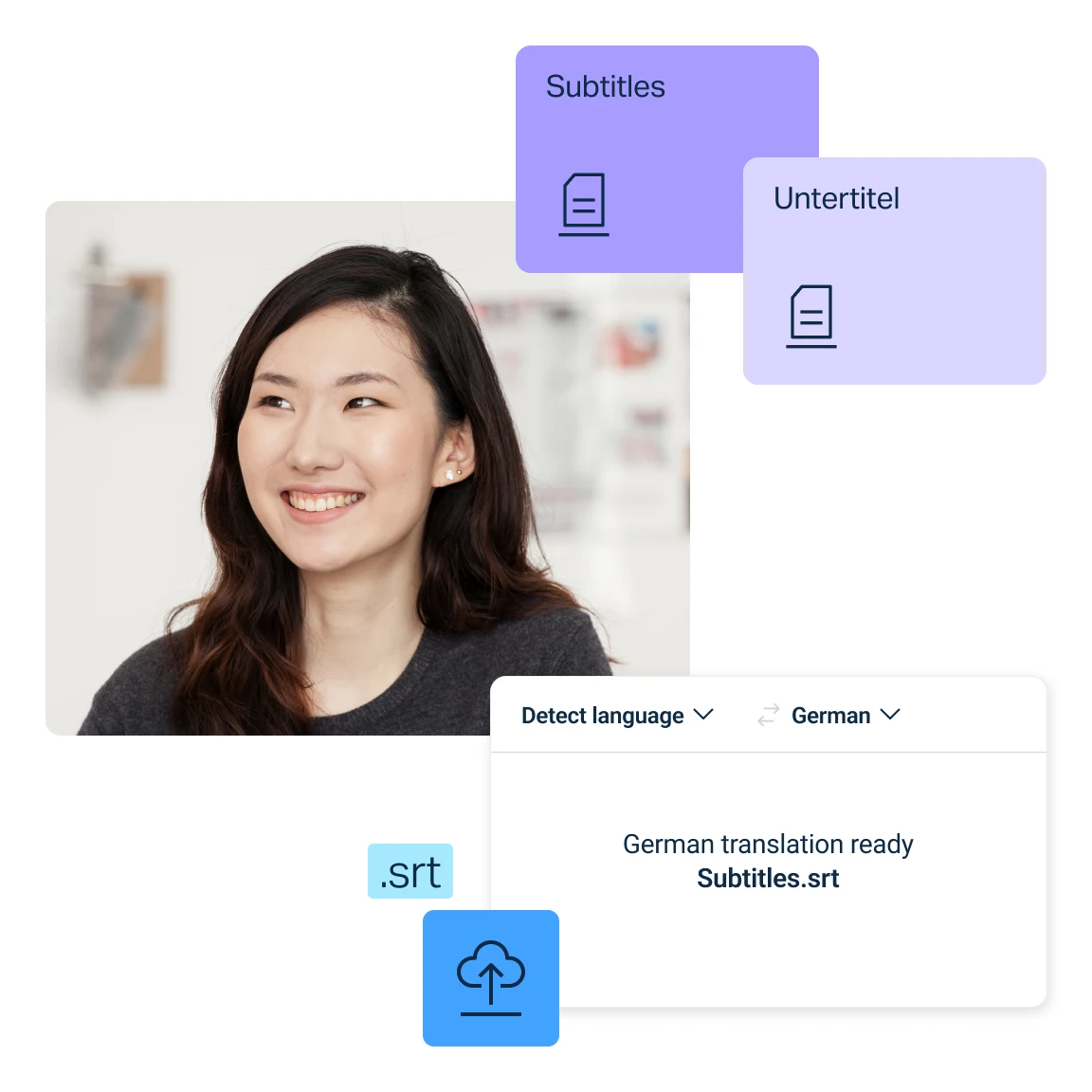
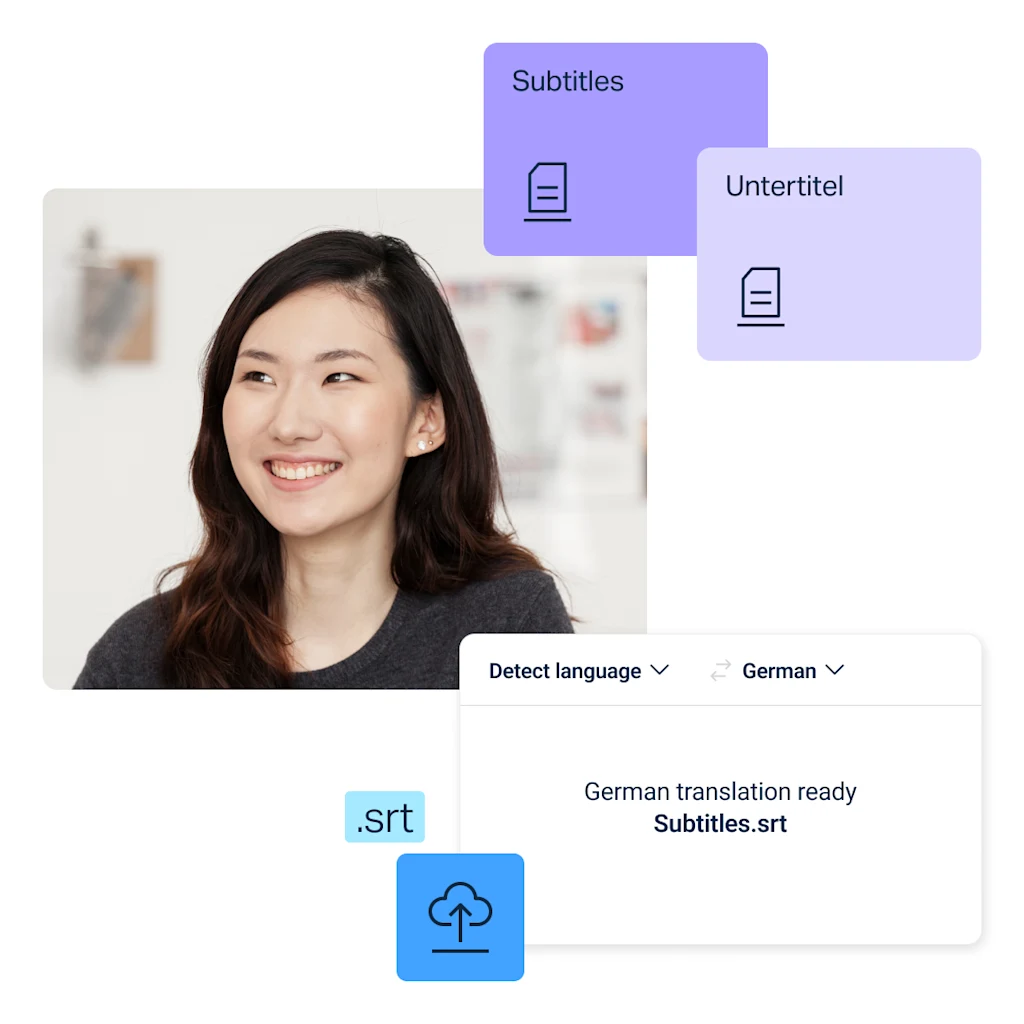
DeepL AI translates your SRT files directly, leaving timecodes untouched. Upload from the cloud, handle multiple subtitle files in bulk, and generate multi-language translations in minutes, no technical setup necessary.
Trusted by over 200,000 businesses globally






Why translate SRT files with DeepL?
Maybe you’re localizing a course, product demo, or full film. DeepL translates your SubRip text directly, and the result is ready to upload.
Translate multiple SRT files in one pass
Upload one file or a batch. DeepL translates them together, and cloud integration means you upload, translate, and download without leaving your workflow.

One file, every language, timing intact
Translate your subtitles into multiple languages simultaneously, and DeepL keeps your tone, phrasing, and timecodes aligned.

No software or setup required
Upload your file, select your languages, and enable tones and glossary preferences directly in DeepL File Translator, then edit your file after translation, with no need for separate subtitle editing tools.

Ironclad security and compliance
Subtitle text is encrypted in transit and at rest; DeepL AI deletes data once translation is complete on Pro plans. DeepL is GDPR, ISO 27001, SOC 2 Type II, HIPAA, and BSI C5 Type 2 compliant. See how DeepL protects your data.

Commitment to quality
Learn about DeepL's quality scores, including an 80–90% reduction in translation spend for organizations adopting AI-native platforms, per Nucleus Research.
How do I translate SRT files with DeepL?
DeepL translates subtitle text all at once, not touching timecodes and formatting. Head to the web translator, then follow these steps:
- Log in to your DeepL Pro or DeepL API account
- Select the "Translate files" tab
- Upload or drag-and-drop one or multiple SRT files, or import from the cloud
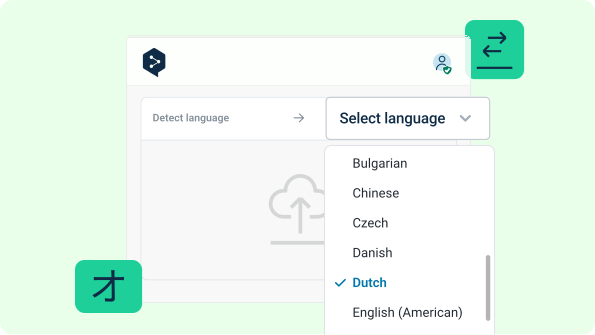
- Allow DeepL to detect the file’s language, or choose a source language
- Select one or multiple target languages
- Click Translate
- Download your translated file once complete
Translation for how your team works with subtitles
Anyone publishing video content in more than one language relies on subtitle translation. From YouTube creators to global streaming platforms, DeepL file translation has you covered.
- Content creators: Translate one upload into every language your audience speaks, engaging more viewers and growing your subscriber base
- Educators: Turn one lecture or course recording into accessible material for non-native speakers without hiring translators
- Businesses: Localize product demos, training videos, and marketing content so international customers see everything in their native language
- Film and TV: Translate subtitle files at scale across a full library or season, ready for distribution without a manual re-sync pass
How DeepL Pro elevates SRT translations
DeepL Pro subtitle translation works the same way across your whole video library, one file or 100, one language or a dozen, helping you translate at scale.
- Upload files or select from the cloud
- Translate multiple files and into multiple target languages at once
- Enable formal or informal tones
- Ensure your translations are consistent and on-brand with the Customization Hub
- Benefit from maximum data security
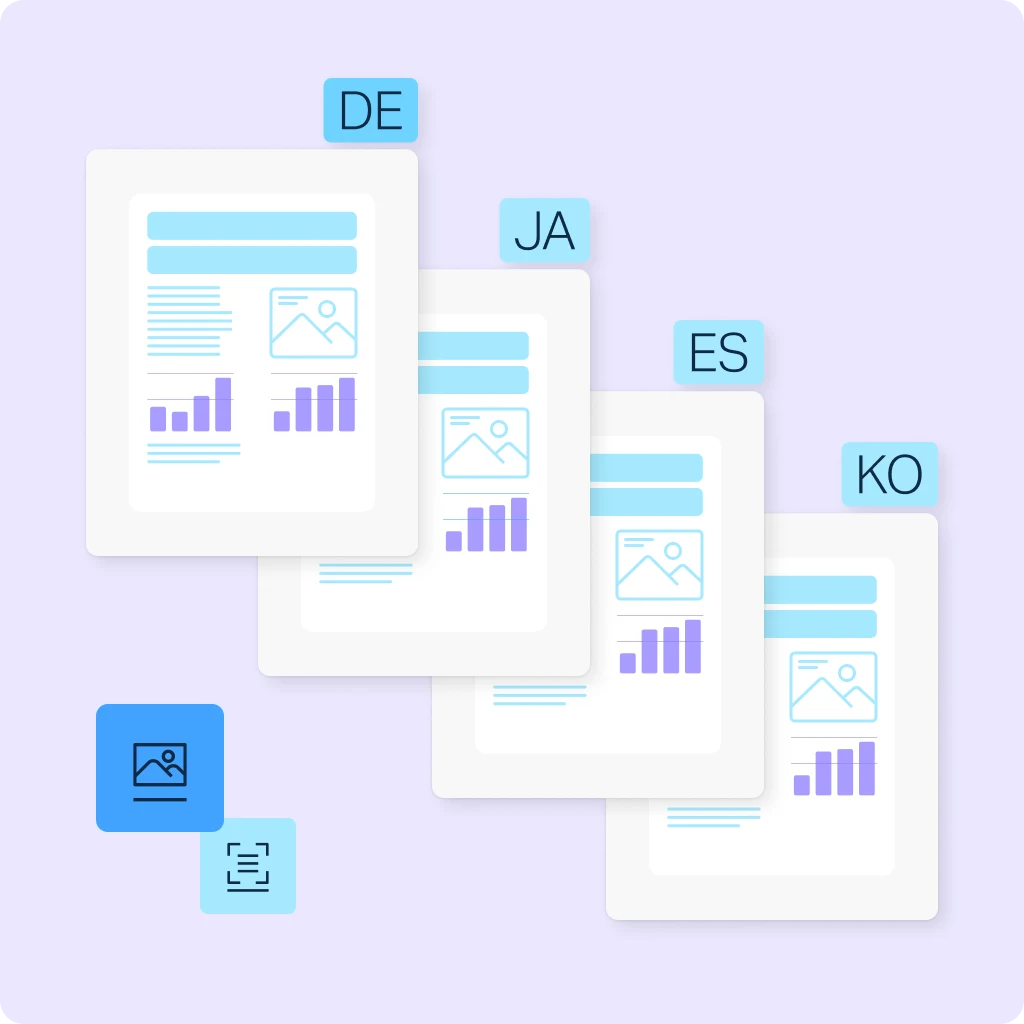
Translate consistently across media formats
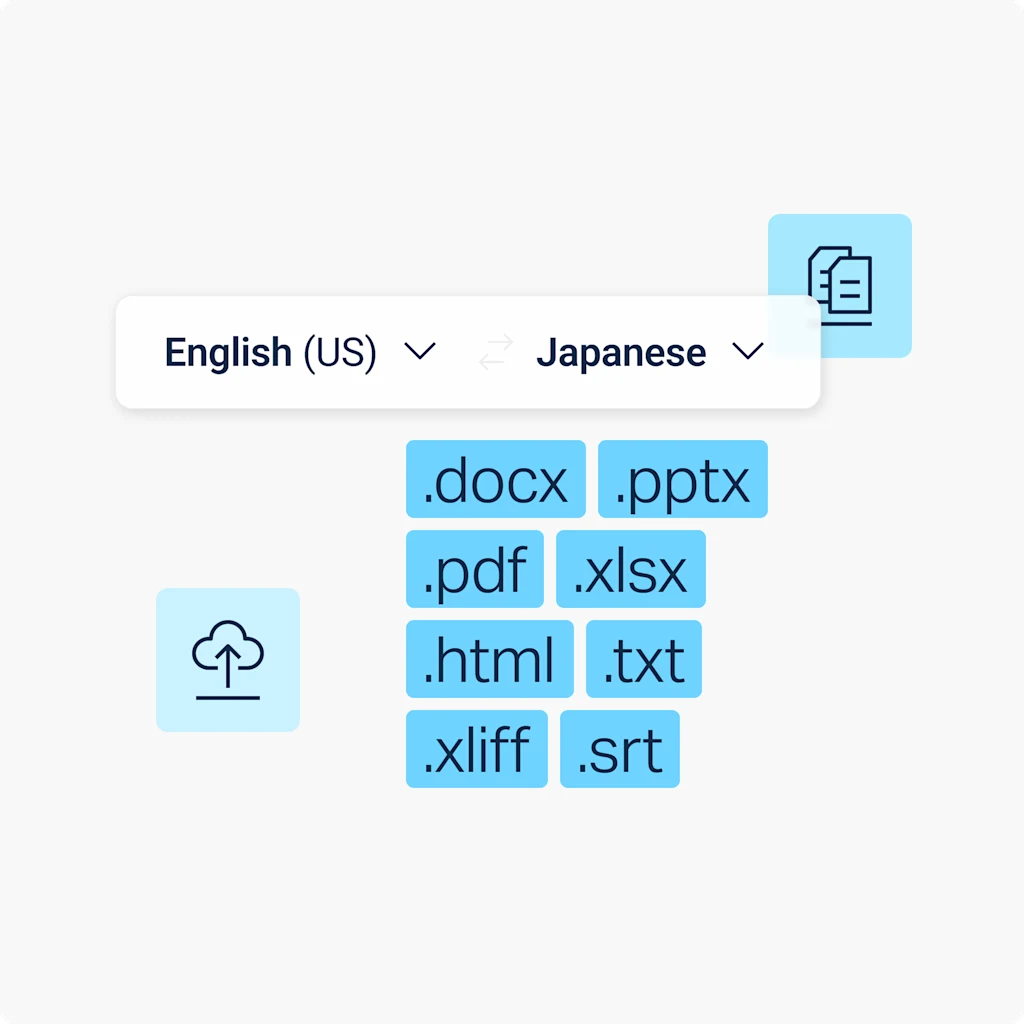
Need to translate PDFs, images, and other document types? DeepL’s Language AI adapts visual content to match, so your translations stay consistent and format-appropriate no matter which file you're working with.
Ready to translate SRT files?
Start your free 30-day trial of DeepL Pro and translate subtitle files, as well Word, PDF, PPT, and more.
Need a tailored solution for a full video library or ongoing production pipeline? Contact our Sales team for enterprise plans.

FAQs
Yes, via the DeepL API. You need a DeepL Pro or API plan to translate SRT files on the web translator.
DeepL currently supports SRT files. Other less-common subtitle formats (VTT, ASS/SSA, SBV, SUB, TTML, STL, SAMI) aren't supported at this time.
Yes. Unlike Word, PowerPoint, Excel, and PDF files, SRT translations through the API aren't subject to a per-file character billing minimum. See the API documentation.
SRT translation is one part of a larger toolkit for creators, educators, and localization teams:
- Image translation. Translate on-screen text in thumbnails, title cards, or graphics that accompany your video
- Glossaries: Lock in preferred terminology for consistent character names, product names, or recurring phrases
- SSO: Single sign-on for production teams and agencies translating at scale
- Alternatives: Get word and phrase suggestions to customize tones and styles for different audiences
- Paraphrasing tool: Refine your original-language script or captions before translation
SRT file size and character limits by plan
SRT translation isn't included with a free DeepL account. This table outlines the maximum file size and character count allowed per file per paid plan.
View limits per plan for all document translation file formats
Plan | Max file size | Max characters |
DeepL Account (Free) | Not available | Not available |
DeepL Pro Starter | Not available | Not available |
DeepL Pro Advanced | 150 KB | 1,000,000 |
DeepL Pro Ultimate | 200 KB | 1,000,000 |
DeepL Pro Individual | Not available | Not available |
DeepL Pro Team | 150 KB | 1,000,000 |
DeepL Pro Business | 200 KB | 1,000,000 |
DeepL API Free | 150 KB | 500,000 |
DeepL API Pro | 150 KB | 1,000,000 |
DeepL API Developer | 150 KB | 500,000 |
DeepL API Growth | 150 KB | 1,000,000 |